

Your team shipped more campaigns last quarter than in any quarter before. Content came out faster, the variants multiplied, and the reporting dashboard turned green a day earlier than usual. Then the revenue review landed and pipeline looked exactly as it had before the automation went live.
That gap between faster work and flat commercial results is where most enterprise marketing teams get stuck. AI marketing automation rarely fails loudly. It succeeds at the wrong thing, producing more output while the business converts the same number of customers.
Two questions settle whether that changes. What does the automation do that your existing rules can't, and how will you prove it earned revenue rather than saved hours? Both have concrete answers, and neither starts with a tool demo.
Table of Contents
- What AI Adds to Rule-Based Marketing Automation
- How AI Personalization Works Across Channels
- Orchestrating Campaigns From Brief to Publishing
- Sitecore Stream Capabilities and Tier Choices
- Proving Revenue Impact Beyond Productivity Gains
- Governing Autonomous Actions Across Brands and Markets
- Permission-Scoped AI for SharePoint Knowledge
- Confirm Your Readiness Before Automating Your First Journey
What AI Adds to Rule-Based Marketing Automation
A thermostat on a fixed timer turns the heating on at 7am whether the house is empty, full of guests, or still warm from yesterday's sun. A thermostat that learns the household's habits notices the difference and skips the cycle. Rule-based marketing automation is the first thermostat. It fires only on conditions a marketer anticipated when the workflow was built.
The second thermostat does something structurally different. It scores every contact, predicts the next best action for each one, and adjusts as results arrive. Nothing needs a new rule when a customer's behavior changes, because the model reads the behavior itself.
| Capability | Rule-based automation | AI-enhanced automation |
|---|---|---|
| Audience segmentation | Fixed rules set by marketers | Clusters contacts and predicts segments from behavior |
| Content variants | Manually written versions per segment | Generates and tests variants, then favors the winners |
| Send timing | Fixed schedule for all contacts | Predicts the best send window for each contact |
| On-site search | Keyword matching | Learns from visitor behavior to rank more relevant results |
| Reporting | Manual dashboards built each period | Flags anomalies and suggests next actions |
| Governance | Approval for each campaign | Needs written policy for which actions run autonomously |
Take a cart-abandonment sequence. Rules send the same reminder at 24 hours to everyone who qualifies. A model decides that one contact responds to a morning message with a discount, a second ignores discounts but opens evening messages about delivery, and a third shouldn't be contacted at all because the pattern predicts an unsubscribe. Same journey, different resolution per person.
The market has moved partway there. Salesforce's ninth State of Marketing report, which surveyed 4,850 marketing decision-makers, found that 75% were experimenting with AI or had fully implemented it, while 32% reported full implementation. Three-quarters of the market is engaged; about a third has finished the wiring.
That wiring is easy to underestimate. Content, customer data, personalization, search and measurement increasingly sit on one composable platform, which is why SitecoreAI is built on Sitecore XM Cloud rather than attached to it as a feature. Automation only creates value from the systems it can reach.
Run this self-check against your current stack. For each capability in the table, decide whether it runs automatically today or waits on a person.
- Segmentation and content: if a strategist rebuilds audience rules each quarter and briefs every variant by hand, both are still manual, and the model has nothing to learn from.
- Timing and search: a fixed send schedule and keyword-only site search are the two clearest signs that no behavioral signal reaches the decision layer.
- Reporting: if someone exports CSVs into a dashboard each month, the platform can describe the past but can't flag an anomaly while it's still fixable.
- Governance: if approval means a message in a chat channel, you have no record of who allowed what.
Start where two capabilities already share data. That's usually where a model has enough signal to beat the rule.
How AI Personalization Works Across Channels
A visitor from a manufacturing account opens your site for the third time this week and goes straight back to the same product family. Your platform holds that history. Rule-based targeting won't act on it unless someone wrote a rule for a third visit to that page.

That single page view is where rules and models diverge. Behind it sits a loop your team builds once and then tunes.
The loop runs in four stages
Capture signals. Sitecore XM Cloud treats visitor location, on-page behavior, account information and journey stage as intent signals, and marketers create audience-targeting rules directly in the page editor. No separate campaign tool, no export step between the data and the decision.
Define segments. Static lists come from form fields. Predictive segments come from behavior, so a contact can move from "researcher" to "evaluation" without anyone editing the list.
Apply experiences. Real-time personalization and A/B testing are built into XM Cloud, so the basic loop doesn't need an add-on. The platform serves the variant and records the outcome in the same place.
Test and rank. AI-powered on-site search learns from what visitors do, surfacing more relevant results over time instead of matching the words in the query box.
Now follow the returning visitor through it. Because the third visit to one product family crosses the engagement threshold, the page serves a custom hero banner and a shortlist of related technical resources. A first-time visitor from the same region sees the standard journey, because nothing in their behavior justifies a different experience yet. One rule set, two experiences, decided per contact.
The trade-off worth naming early: rules are transparent and easy to audit. A model's choice needs monitoring for drift and bias, which costs attention every month.
That monitoring isn't optional bureaucracy. A predictive segment trained on last year's buyers can narrow who sees your campaigns, and nobody notices until a region reports weak reach. The fix is a scheduled review of which segments grew, which shrank, and whether the changes match reality.
Three questions before you build
- Which signals do you trust? Location and page behavior are low risk. Account attributes and purchase history need a documented consent basis before they drive an experience.
- Which segments do you need? Three well-maintained segments beat twenty stale ones, and each one you keep needs an owner.
- How will you know a variant won? Decide the metric and the sample size before launch, not after the numbers look disappointing.
If the segment design question is the sticking point, our guide to AI-powered personalization walks through how to choose segments you can maintain.
Orchestrating Campaigns From Brief to Publishing
A campaign is a chain of handoffs: brief, plan, produce, migrate, test, publish, optimize. Many teams have automated one or two links and left the rest to email threads. The weakest handoff sets the pace for the whole campaign, which is why a team with fast content production can still take three weeks to launch.
SitecoreAI addresses that chain rather than a single link in it. It's built on Sitecore XM Cloud and combines content management, customer data, personalization and search in a composable SaaS platform running on Microsoft Azure. Its Agentic Studio launched with 20 AI-powered agents covering campaign planning, content migration, content production and testing, and Agentic Flows carry a campaign from briefing and experimentation through publishing and optimization. Marketers and agency partners design custom agents and flows in visual, no-code tools, with visibility into each step and human feedback in the optimization loop.

Here's how one campaign runs through that chain.
- Brief the goal and audience. Name the measurable outcome, the segment, and the channels. An agent can generate ten variants from a vague brief, and all ten will be useless.
- Generate variants per market. Localization happens at this step, not after approval, so translators review real creative instead of retrofitting it.
- Test against a control. Variants run against the current experience, which gives you a baseline to defend later.
- Publish approved winners. Approval gates sit between testing and release. Nothing goes live because a model scored it well.
- Review and feed results forward. Performance data returns to the next brief, so planning starts from evidence rather than last quarter's assumptions.
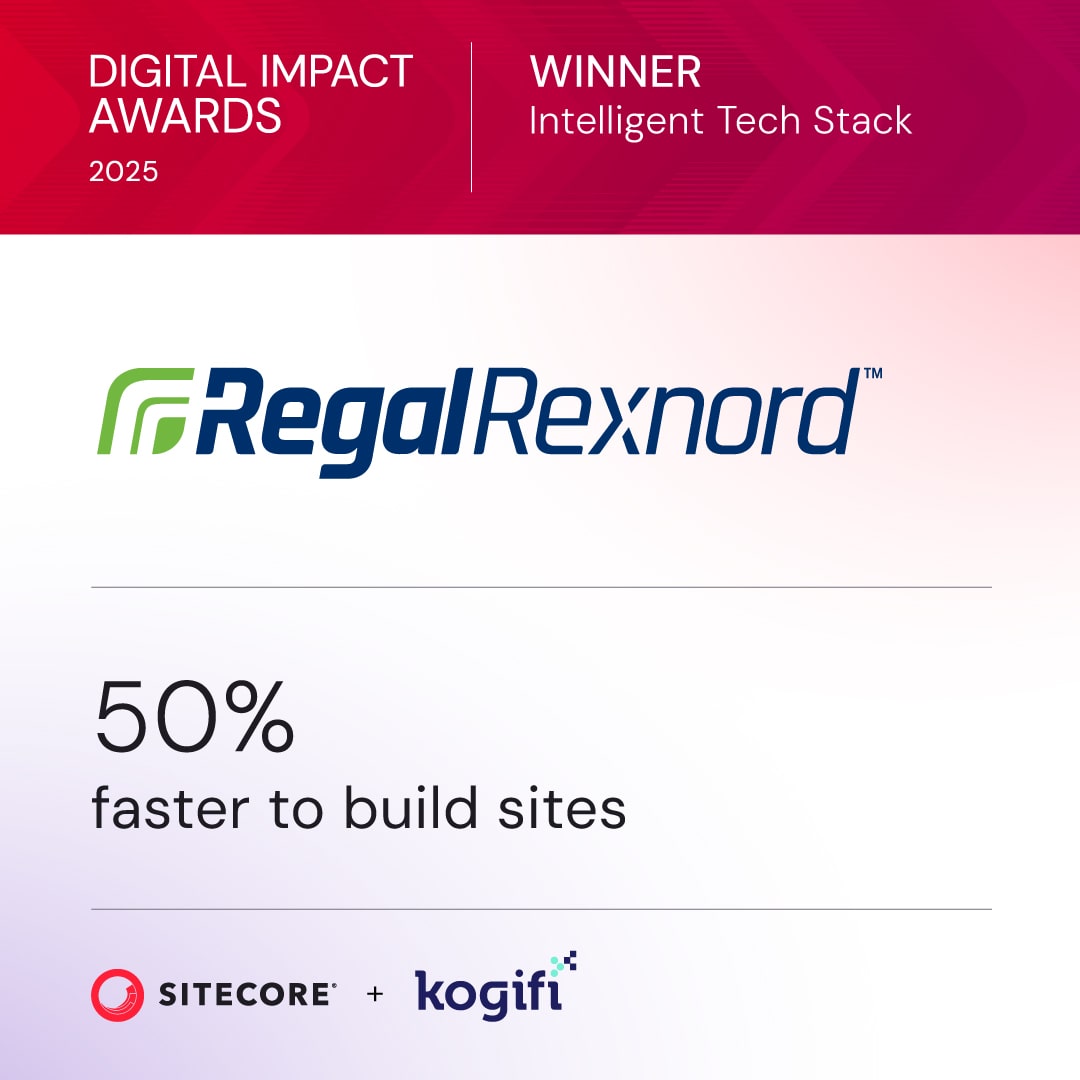
The time savings show up where the underlying plumbing is modern. For Regal Rexnord, a move from Sitecore XP to headless XM Cloud reduced go-live timelines by 35 to 50 percent and made publishing twice as fast.
Where orchestration breaks
Missing approval steps. A flow that publishes without a gate doesn't remove work, it moves the work to the apology. Define which steps require a named approver before the first flow goes live.
Briefs without measurable goals. Agents optimize toward whatever the goal states. "Increase engagement" produces activity; "book a demo from this segment" produces a testable outcome.
No rollback path. If a published page can't be reverted to its previous version in one action, you've automated risk rather than delivery.
The mechanics of the approval chain deserve their own treatment, which is why we wrote separately about content publishing workflow design for multi-brand estates.
Sitecore Stream Capabilities and Tier Choices
Sitecore Stream spreads AI across the product portfolio instead of concentrating it in one CMS feature, which means it has to be evaluated product by product rather than bought as a single switch. Sitecore's Stream documentation groups the capabilities into three types: brand-aware AI that keeps output on-brand, copilots and agents that assist individual users, and agentic workflows that run multi-step tasks.
Documented coverage names Content Hub, Experience Platform, CDP, Personalize and Search. That list matters more than it looks. An automation plan should name which systems hold the data and content it touches, because brand-aware output depends on where brand rules live, and agentic workflows depend on which repository the agent can reach.
Availability is tiered. Some capabilities, including brand kits, visual search and generative insights, depend on the tier purchased, and some are restricted to the Stream Premium tier. Broad coverage reduces integration work; tier limits can put the capability you need behind a higher price. Both things are true at once.
A four-step evaluation order
- List the Sitecore products in your estate and the automation need each one serves. Content Hub for assets, Personalize for experience decisions, Search for discovery, and so on.
- Map every need to one of the three capability groups. If a need doesn't fit brand-aware AI, a copilot, or an agentic workflow, it probably isn't an AI need yet.
- Check the tier matrix to confirm which tier includes it, and note what changes if you stay on the lower tier.
- Buy Premium only where a measured pilot shows lift that justifies the difference. A pilot with a control group answers that question. A demo doesn't.
Buy the capability you can measure, not the tier that sounds complete.
The practical risk here is quiet. A team assumes Stream covers a workflow, builds a process around it, and discovers the capability sits one tier up during implementation. Checking the matrix before the architecture is drawn costs an hour; discovering it later costs a sprint.
Proving Revenue Impact Beyond Productivity Gains
A team can double its content output and still watch revenue sit flat. The faster team feels successful because the visible work changed, while the commercial result stayed where seasonality, media spend and channel mix left it. Everyone involved becomes busier without becoming richer.
The measurement gap behind that trap is well documented. Demand Gen Report's coverage of Alexander Group research found that 96% of marketers reported using AI, yet only 41% could prove its ROI, and only 31% had managed governance. The same findings note that 87% of marketing leaders saw productivity improvements, but just 48% could confidently demonstrate social-media ROI through attribution and data. Productivity is the easy number. Causality is the hard one.

Before automating a customer journey, pick the test design. The choice depends on what you're automating, not on what the analytics team finds convenient.
| Method | What it proves | Best for | Main limitation |
|---|---|---|---|
| Holdout group | Conversions lifted versus no automation | Individual journeys such as email nurture | Needs enough contacts to stay statistically valid |
| Geo-experiment | Lift across regions with and without automation | Brand-wide or regional campaigns | Slower results and spillover between regions |
| Incrementality test | Ad-driven lift beyond what would have happened anyway | Paid media | Depends on platform test support |
| Assisted-conversion analysis | Each touchpoint's contribution along the journey | Long B2B sales cycles | Result depends on the attribution model chosen |
| Cost-to-serve metric | Efficiency per resolved customer interaction | Service and support automation | Says nothing about revenue on its own |
Use a holdout when the journey is individual and volume is high. Use a geo test when a regional rollout is the decision on the table. Incrementality testing belongs to paid media, where the question is what the spend caused. Assisted-conversion analysis fits long B2B cycles where no single touchpoint closes a deal. Cost-to-serve measures service efficiency, and it belongs in a different report.
Then report the full cost of automation alongside the lift: model usage, integration, data preparation, governance, human review and rework. A tool's generated output is an input, not a return, and presenting it as ROI is how programs lose budget in year two.
The published ranges are wider than any single business can use. McKinsey's Global Survey on AI reported a revenue uplift of 3% to 15% and a sales-return-on-investment uplift of 10% to 20% for organizations investing in AI, and a range that wide can't tell you whether your nurture journey worked. Only your own control group can.
Prioritize quality-adjusted revenue over activity metrics. Count the conversions that survived the return window and the sales-accepted leads, not the impressions the system produced. We embed analytics and A/B testing from day one and keep refining content, UX flows and conversion funnels from real user behavior, so the test design exists before the automation does rather than arriving as a retrofit.
Keep a one-page before-and-after record for every automated journey: baseline conversion rate, test cohort, control cohort, total cost and net lift. If those five lines can't be filled in, the automation isn't measured yet.
The video below makes the case for causal measurement in plainer terms than most dashboards manage.
When the test design needs to survive a replatform, our notes on measuring digital marketing effectiveness cover how to carry baselines across systems.
Governing Autonomous Actions Across Brands and Markets
The question that stalls most governance conversations is simple to ask and hard to answer: which decisions may an AI agent make without a person? Most organizations haven't written it down. According to survey coverage from Marketing-Interactive, 58% of surveyed organizations had no documented AI roadmap and only 6% had a fully documented strategy for embedding AI in marketing, while 37% had a fully defined marketing AI policy and more than half used at least some company-unapproved AI tools.

Unapproved tools are the symptom. The cause is that nobody set a boundary, so individuals drew their own.
Map decisions to autonomy levels
| Decision | Autonomy level | Human approval needed when |
|---|---|---|
| Send time and channel choice | Fully autonomous | Quiet-hour or regional contact rules change |
| On-site search ranking | Monitored autonomy | Ranking drops on key pages for two consecutive days |
| Content variants for campaigns | Monitored autonomy | Variant makes a product, legal or accessibility claim |
| Personalized offers and pricing | Human approval | Any discount, price or offer rule is created or changed |
| New segments from sensitive attributes | Human approval | Always, after a consent and privacy review |
| Localized legal or regulated copy | Mandatory review | Always, before publication in each market |
| Model or prompt change | Versioned approval | Any change to a live automation |
Timing and channel selection can run alone because the downside is a worse send, not a promise you can't keep. Personalization that touches price, and any segment built from sensitive attributes, needs a person in the loop every time.
Build the controls into delivery, not around it
Policy-as-code rules turn the table above into something a system enforces. Role-based permissions decide who can approve which decision type. Regional data boundaries keep one market's customer data out of another's workflows. Prompt and model versioning means a change is a release, not an edit. Approval workflows, rollback procedures and continuous monitoring sit in the CMS and DXP delivery pipeline, where publishing happens.
The audit record should answer six questions for every automated action: what the agent did, which data it used, the consent status at that moment, the source of the content, the accessibility check result, and which localization version ran.
A worked example. An agent swaps the hero image in a French campaign. The log shows the asset version, the model and prompt version that selected it, the approver's name and the previous image, which can be restored in one click.
That's the standard to hold: every automated action explainable and reversible. The governance minimum for an enterprise team is a written policy, named approvers for each decision type, and a monthly review of what agents did without a human.
Permission-Scoped AI for SharePoint Knowledge
A marketing partner asks for the latest approved logo. A SharePoint agent can answer from the designated library, provided that the partner already has permission to access the file. A SharePoint agent is therefore a permission-scoped assistant, not an open-ended chatbot: it uses content from a selected site or document library and respects the requesting user's access. Microsoft's setup guidance describes agents as scoped versions of Copilot Chat, with retrieval from governed content at the center (Microsoft support on SharePoint agents).
Copilot-connected apps such as Outlook, Teams and Word draw on a very large volume of documents. If a library has inherited permissions, an agent may surface content to a broader audience than its creators intended. Scope and access rules need attention before the agent is shared.
Marketing teams can apply this approach to approved brand assets and campaign briefs, multilingual standards and accessibility guidance, or campaign approval status. For example, an agent can answer questions from a guidelines library, while Power Platform handles approval routing. The agent can explain where a request stands without replacing the approval process.
Setup, in order
- Choose one site or library per agent. A narrow content scope makes it easier to understand what the agent can retrieve.
- Audit who can read it. The agent follows existing permissions, including access that may have been granted unintentionally.
- Review inherited access to sensitive folders. If HR, legal or pricing material sits within a marketing site, adjust access so the agent does not surface it to the wrong audience.
- Write instructions with source rules. Specify which libraries the agent may use and what it should do when the answer is not there.
- Test with accounts from each permission group. An admin account is a poor test because it may have access to everything.
Scope plus permissions is the control. Model choice matters less than who can read the source library.
A simple check confirms the boundary: a test user outside the permitted group should receive no answer drawn from restricted content. If the agent summarizes a document that user cannot open, fix the underlying permissions before wider use. The answer is only as well governed as the content access it inherits.
Confirm Your Readiness Before Automating Your First Journey
Five items decide whether a first automation is worth starting.
- Named data sources, with an owner for each system holding contact, behavior and account data.
- Documented consent rules for every signal used in personalization, applying the approval levels set out for offers, coding and segments.
- A measurement design chosen before launch, picked from the methods table rather than assembled after the results disappoint.
- A written governance policy with named approvers for each decision type.
- A roadmap with owners and dates, covering what gets automated this quarter and what deliberately doesn't.
Teams that skip the audit tend to automate journeys that were already broken, which makes the automation look like the problem. Our work starts with analytics, audit and optimization, then moves through workshops, web design and development, hosting with 24/7 support, and dedicated teams. Our Sitecore Support Readiness Check covers what's needed before AI agents work inside a client's CMS.
The decision rule is narrow on purpose. Pick the one journey where measurement is clearest, run it under monitored autonomy, and expand only after a holdout or geo test shows lift. Automating five journeys at once tells you nothing about which one worked.
This week, rank your five highest-volume journeys by data quality and book a readiness assessment with your Sitecore team. The ranking takes an hour and usually changes which journey you automate first.
Kogifi builds and maintains enterprise marketing platforms on Sitecore and Microsoft 365, with analytics, personalization and A/B testing designed in from the first sprint. If you're weighing which journey to automate first, our team can run an AI readiness assessment across your Sitecore estate, map the autonomy levels your brands need, and design the holdout or geo test that proves the lift before you scale. Visit Kogifi to start that conversation.