


Over 60% of organizations believe they can recover within hours, while only 35% say they can. The difference comes from confusing stored backups with proven failover capability across the entire DXP ecosystem.
The situation is familiar. A regional outage takes down a multilingual Sitecore site, the database team confirms that the latest backup is intact, and everyone expects the recovery clock to stop. Then the recovery team discovers that the identity provider is unavailable, the search index belongs to the failed environment, deployment credentials are tied to a compromised account, and the CDN still points to the original origin. The database survived, but the digital experience hasn't.
That gap is why disaster recovery best practices for enterprise DXPs must start with the complete dependency chain. Recovery means restoring a functioning customer journey, not merely bringing a server or database online. FEMA's estimate, cited by the Milken Institute's business continuity guidance, says 40% of small businesses don't reopen after a natural disaster, and a further 25% of those that reopen close within one year. The estimate isn't a universal prediction, but it makes the operational point clearly: continuity planning must protect the processes that keep the business serving customers.
Table of Contents
Why Traditional Backup Strategies Fail Modern DXPs
At 08:15, an enterprise web platform stops serving pages after a cloud-region incident. The operations team restores the Sitecore databases into a clean environment and sees successful completion messages. Content exists, media files are present, and the application starts. Yet the public site still fails key journeys.
The CDN configuration references the unavailable origin. The identity provider integration uses a secret that wasn't included in the backup scope. Search indexes haven't been rebuilt, so visitors can't find content. A booking integration rejects requests because its allowlist and credentials belong to the old environment. Marketing can open the authoring interface, but editors can't publish reliably across the regional sites.

The failure isn't data restoration. It's dependency restoration.
A database is only one recovery layer
A high-traffic DXP usually combines a CMS or DXP database with several services that may have separate owners, credentials, deployment methods, and recovery behavior:
- Content and commerce data, including published items, forms, orders, and authoring changes.
- Search services, indexes, crawlers, analyzers, and synonym configuration.
- Identity and access, including external identity providers, application registrations, roles, and secrets.
- Delivery infrastructure, such as CDN rules, load balancing, certificates, caching, and routing.
- Experience integrations, including analytics, personalization, booking, payment, marketing automation, and partner APIs.
- Operational tooling, including CI/CD pipelines, infrastructure-as-code, monitoring, alerting, and support access.
A backup strategy that protects only the CMS database may preserve valuable content while leaving the service unable to authenticate, publish, search, personalize, or complete transactions. Teams evaluating website backup for enterprise sites should therefore ask what the recovery process restores beyond files and databases, especially configuration, credentials, integrations, and validation workflows.
Practical rule: Define recovery as a user journey. “A clean environment can publish, authenticate, search, submit, and complete the critical transaction” is a stronger acceptance test than “the application restarted.”
For Sitecore, that distinction applies across XM Cloud, XP, headless Next.js delivery, and multi-brand architectures. A restored content tree doesn't prove that rendering hosts can retrieve it, that edge caching serves the right locale, or that publishing queues and search remain healthy. SharePoint Online has a different service boundary, but the same principle applies. A restored site isn't equivalent to a restored employee experience if permissions, workflows, connected Power Platform services, or business-critical integrations remain unavailable.
A database backup still matters. It is not the recovery plan. Teams that maintain SQL-specific procedures should also document the wider service sequence, using resources such as MSSQL Server backup guidance as one part of the platform recovery record.
Defining Measurable RTO and RPO Objectives
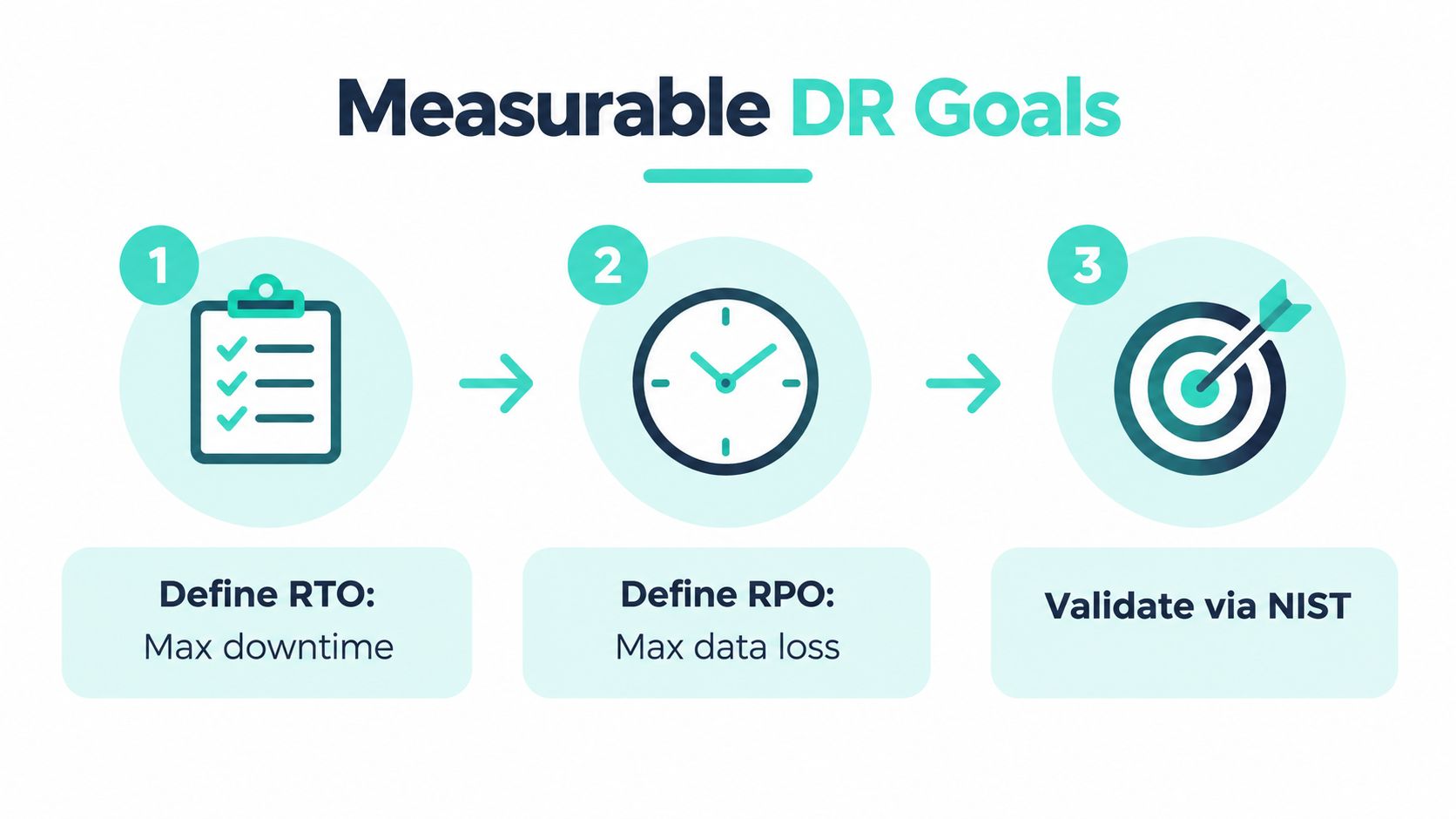
Recovery planning becomes useful when business owners can state what downtime and data loss they will accept. Recovery Time Objective, or RTO, is the maximum period a system can remain unavailable before the business impact becomes unacceptable. Recovery Point Objective, or RPO, is how far back the organization must recover data after an outage.
NIST Special Publication 800-34 recommends deriving both objectives from business-impact analysis rather than selecting convenient technical defaults. It gives examples of specific time frames such as 8, 36, or 97 hours, demonstrating that an objective should be a measurable commitment, not a phrase such as “restore quickly” (NIST Special Publication 800-34).
Start with business impact
Bring the marketing owner, commerce owner, solution architect, security lead, platform operator, and customer support representative into the same workshop. Map the journeys that generate business value and record what each journey needs to function.
A public information page may tolerate longer restoration than a login or checkout path. An authoring environment may have a different RTO from the delivery tier. A content editor may accept some lost draft work, while the business may reject any loss of completed orders or legally significant form submissions.
Use a simple decision sequence:
- Identify critical journeys. Record the actions customers, employees, editors, and partners must complete after recovery.
- Set the RTO for each service. State the maximum outage in a specific unit of time, then identify whether the target applies to infrastructure, the platform, or the completed business journey.
- Set the RPO for each data class. Decide the acceptable interval of lost content, orders, forms, analytics, or configuration changes.
- Map dependencies. Place identity, DNS, CDN, search, secrets, integrations, and monitoring in the recovery sequence.
- Validate with a test. Prove that the stated journey works inside the target, including permissions, content integrity, accessibility, and business acceptance.
For a Sitecore estate, one RTO may cover the public delivery site while another covers the authoring and publishing environment. The RPO for content may differ from the RPO for analytics or commerce data. For SharePoint, the business owner should identify the site, account, permissions, and connected workflows that must return, rather than treating a site collection as an isolated technical object.
Make objectives operational
Write the objectives into runbooks, service agreements, monitoring dashboards, and exercise reports. A target that exists only in a workshop document won't guide decisions during an incident. The recovery team should know which system takes priority, which data state is acceptable, and who can declare the service restored.
A practical disaster recovery strategy framework can help connect business impact analysis with dependency-ordered procedures. The key is to test the complete experience, not just the component with the most familiar backup tool.
Recovery Mechanics for Sitecore and SharePoint
Vendor recovery capabilities provide an important foundation, but their targets and boundaries differ. A platform SLA can protect availability while leaving the customer responsible for content validation, external dependencies, deployment artifacts, and business acceptance.
Sitecore SaaS uses geographic redundancy. Critical components operate across at least two cloud-provider data centers in separate availability zones within the selected region, and customer-data backups replicate to at least one paired region. If an entire region is disrupted and the provider considers it non-recoverable, Sitecore states that it will use best efforts to achieve an RPO of 24 hours and an RTO of 3 working days in the paired region (Sitecore SaaS SLA).
That distinction matters. Availability-zone resilience addresses a local infrastructure failure. Regional disaster recovery has materially longer contractual targets, so a multinational organization shouldn't assume that regional failover behaves like an automatic local restart.
Sitecore Managed Cloud choices
Sitecore Managed Cloud PaaS presents two different operating models:
- DR Basic uses a cold standby. Recovery and failover begin after the disaster and require customer confirmation. It costs less, but the documented technology-only RTO is 4 hours.
- DR Managed uses a hot standby with a complete replica of the primary site. Failover and failback start automatically, and the documented technology-only RTO is less than 1 minute.
- Both modes document a technology-only SQL RPO of 5 seconds and a WebApp RPO of 12 hours.
These targets don't automatically equal a business RTO. The documented backup scope covers App Services and Azure SQL files or data, so teams must separately protect or recreate configuration, deployment definitions, secrets, search services, identity connections, edge settings, and other artifacts. The Azure disaster recovery planning reference is useful when aligning those infrastructure dependencies with the platform recovery sequence.
SharePoint Online recovery behavior
Microsoft 365 Backup gives SharePoint Online defined restore points rather than one generic backup interval. For full SharePoint-site restores, points are available every 10 minutes for data from the preceding 14 days. From 15 through 365 days in the past, the available recovery point is weekly. Backup retention is one year, and when a site leaves a backup policy, its backup remains retained for 52 weeks from creation of the relevant restore point (Microsoft 365 Backup restore documentation).
Microsoft describes a full-site rollback as restoring the site to its exact prior state, subject to exclusions such as taxonomy mastered outside the site scope. The incident age therefore affects the available recovery granularity. Recent deletion and ransomware events can use finer recovery points, while older corruption may require selecting among weekly states, as explained in Microsoft's SharePoint backup FAQ.
| Platform | Recovery Mode | RTO Target | Key Protection Gap |
|---|---|---|---|
| Sitecore SaaS | Paired-region recovery | 3 working days for a non-recoverable regional disruption | Customer validation and external dependency recovery remain necessary |
| Sitecore Managed Cloud DR Basic | Cold standby with customer confirmation | 4 hours, technology-only | Configuration and deployment artifacts require separate protection |
| Sitecore Managed Cloud DR Managed | Hot standby with automatic failover and failback | Less than 1 minute, technology-only | Business journeys, integrations, and content acceptance still need testing |
| SharePoint Online | Restore from scheduled points | Depends on restore scope and incident age | Connected identity, workflows, taxonomy, and business processes need validation |
The practical conclusion is straightforward. Choose a vendor recovery mode based on business impact, then build a supplementary recovery boundary around everything the vendor doesn't restore or guarantee.
Building Automated Runbooks for DXP Failover
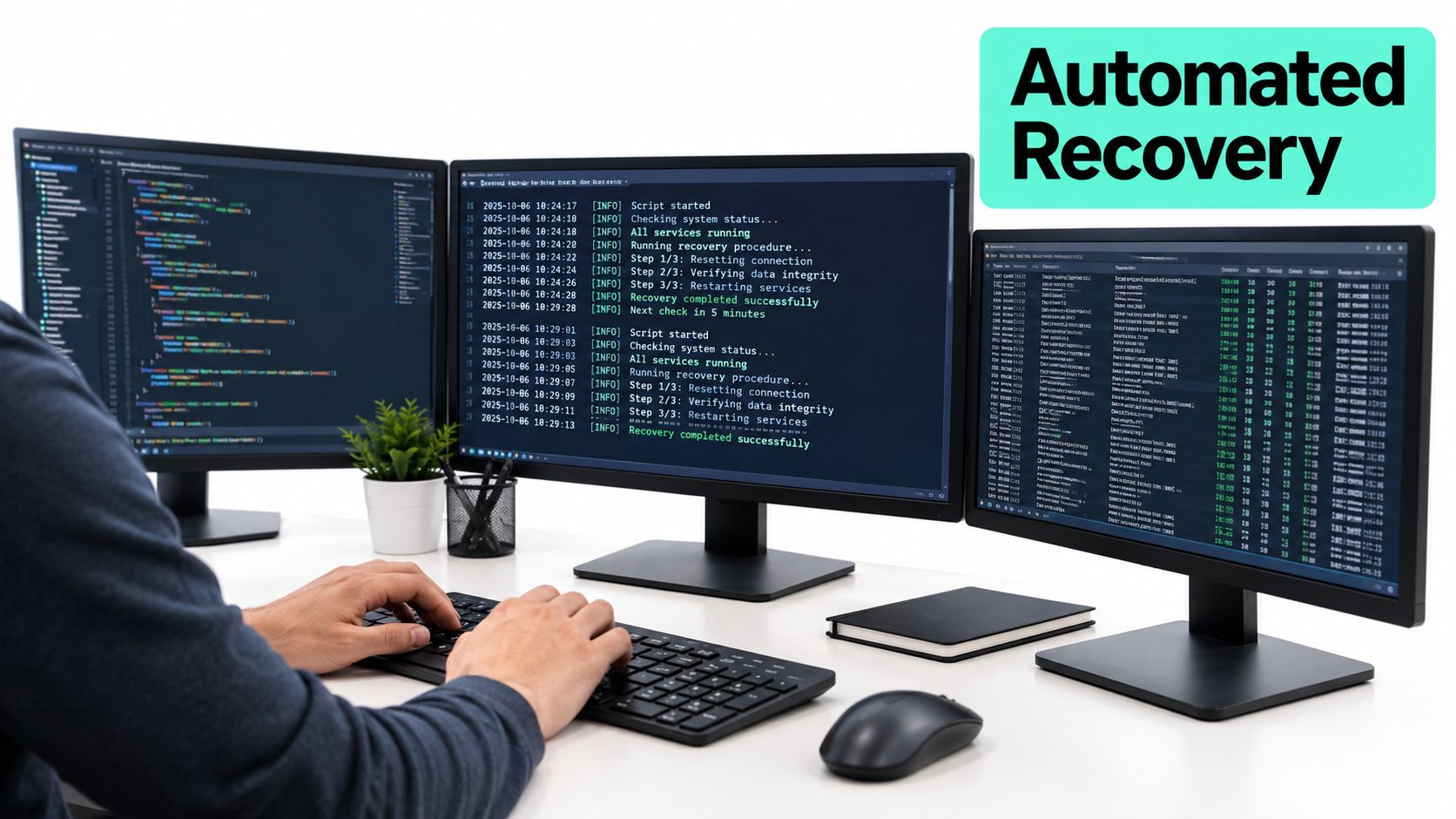
A failover may restore the database while the customer experience remains broken. A DXP recovery runbook must account for the full dependency chain, including identity providers, search indexes, CDN rules, certificates, integrations, and deployment artifacts. An operator who did not design the original platform should be able to execute it safely, using version-controlled procedures, automated provisioning, controlled permissions, observable checkpoints, and an explicit definition of success.
Build the dependency order first
Start with an inventory that names every service, owner, recovery source, credential path, prerequisite, and validation check. Organisational ownership is a poor recovery sequence. Technical dependency and customer impact should determine the order.
A representative sequence creates a clean recovery account and isolated subscription, provisions the network and security boundary, restores data services, deploys the application and rendering layers, configures identity, rebuilds search, restores CDN and routing behaviour, reconnects integrations, and runs business journeys. Sitecore and SharePoint environments often hide dependencies in publishing services, scheduled jobs, permissions, workflows, and external identity settings. The runbook should state prerequisites, stop conditions, and the check that permits each next step.
Infrastructure-as-code makes repeatable resources easier to recreate, but it rarely describes the entire live DXP. Manual changes, SaaS settings, partner portals, certificates, and secrets may sit outside the repository. Record each exception, then either bring it under controlled management or document how the recovery process recreates and validates it.
Protect the trusted recovery state
Ransomware changes the recovery problem. A backup can remain available while production credentials, deployment pipelines, encryption keys, DNS controls, or SaaS tenancy permissions are compromised. Recovery should begin from a known-good operating state rather than just selecting the newest copy.
Separate immutable or offline copies from production credentials, maintain clean recovery accounts, and restore into an isolated environment before exposing it to customers. Validate that content is not poisoned, search indexes do not contain corrupted or malicious data, deployment artifacts come from a trusted source, and identity flows do not grant unintended access.
A practical runbook should cover:
- Identity recovery: Confirm clean administrative accounts, role mappings, application registrations, secrets, and token flows.
- Platform recovery: Restore databases, media, application services, rendering hosts, publishing components, and configuration in dependency order.
- Search recovery: Rebuild or restore indexes, then test relevance, permissions, language handling, and stale-content behaviour.
- Edge recovery: Recreate CDN rules, routing, certificates, cache behaviour, and origin settings through controlled automation.
- Journey validation: Publish an item, authenticate, search, submit a form, complete a booking or commerce action, and confirm analytics or consent behaviour.
- Evidence capture: Record timestamps, operator actions, failed checks, manual interventions, and approval decisions.
Teams can pair platform runbooks with practices to build robust incident response, while keeping DXP-specific checks explicit. If recovery fails, the procedure should define rollback steps, escalation contacts, approval gates for high-risk changes, and communication paths for customers, employees, legal teams, and regional stakeholders. See these incident management best practices for the wider escalation and stakeholder process. Store the runbook in a version-controlled location that remains accessible when the primary collaboration environment is unavailable.
Review automation by asking whether each repeatable task can run without someone copying values between systems. Infrastructure provisioning, backup verification, index rebuilding, smoke checks, and evidence collection are strong candidates. Human judgement still determines whether the service is safe to expose, but operators should spend that attention on decisions rather than mechanical steps.
Testing, Monitoring, and Continuous Improvement
A recovery plan that hasn't been exercised is an assumption. Uptime Institute reports that nearly 40% of organizations experienced a major outage caused by human error within a three-year period, and 85% of those incidents resulted from staff failing to follow procedures or from inadequate procedures (Uptime Institute outage analysis). The same analysis estimates that human error contributes to roughly two-thirds to four-fifths of outages.
Those findings change how teams should judge documentation. A polished runbook can increase confidence while hiding obsolete commands, missing permissions, incomplete dependencies, and unclear ownership. Testing exposes those defects while the organization still has time to correct them.
Test the experience, not the restart
A useful exercise begins with a realistic scenario. Regional unavailability, corrupted content, compromised deployment credentials, failed identity services, and unavailable third-party APIs produce more valuable evidence than a clean planned restart. The exercise should restore a representative environment and then test the journeys that the business has classified as critical.
Recent survey data makes the readiness gap visible. Only 11% of organizations reported daily DR testing, 20% tested weekly, and 12% tested ad hoc or not at all. More than 60% believed they could recover within hours, but only 35% said they did, while 25% tested DR only annually or less (The State of Backup and Recovery Report 2025).
An exercise for a Sitecore platform should validate authoring, publishing, rendering, personalization, search, authentication, localization, accessibility, analytics, and external integrations. A SharePoint exercise should validate site access, permissions, document recovery, workflows, forms, connected Power Platform processes, and employee search. Technical availability is only one checkpoint.
Measure the result
Capture evidence rather than relying on a meeting transcript. Track:
- Drill success rate: Which planned checks passed without exception?
- Recovery duration: When did the platform become usable, and when did the business owner accept it?
- Data-loss interval: Which content, transactions, or submissions fell outside the stated RPO?
- Manual interventions: Which steps required undocumented operator knowledge?
- Unresolved exceptions: Which dependencies, permissions, or integrations remain unprotected?
- Journey completion: Could users complete the critical actions from a clean environment?
Runbooks should receive peer approval, change-window controls, and version history. Automate failover, backup verification, environment provisioning, and smoke tests wherever practical. After every exercise, assign owners and due dates to the gaps, then rerun the failed checks after remediation.
Treat cyber recovery as a separate test class
Ransomware recovery shouldn't be folded into ordinary infrastructure restoration. The exercise must ask whether the organization can establish a trusted state after credentials, configurations, content, or pipelines may have been altered.
Research on resilience found that 62% of organizations didn't perform regular backup-and-restoration exercises and 71% conducted no failover testing (The State of Resilience 2025). The operational response should include isolated restoration, clean accounts, independent infrastructure definitions, protected keys, and validation of content and search integrity before reconnecting production dependencies.
A successful drill doesn't prove that every future incident will be easy. It proves that the organization can find and fix a known class of failure before customers encounter it.
Monitor recovery readiness between exercises as well. Alert on failed backups, configuration drift, expired credentials, missing owners, failed index builds, inaccessible repositories, and changes to critical integrations. Review recovery objectives whenever the platform adds a market, brand, language, commerce journey, identity provider, or external service.
The strongest disaster recovery best practices become part of platform delivery rather than a document reviewed only after an incident. Include recovery checks in release governance, keep runbooks beside the systems they describe, and require evidence that a clean environment can reproduce the complete experience within the stated objectives.
Kogifi helps enterprise teams design and operate recovery for Sitecore, AEM, and SharePoint environments through dependency mapping, backup orchestration, failover planning, runbook authoring, monitoring, and controlled recovery drills. If your DXP backup exists but your team hasn't proven the full customer journey, visit Kogifi to assess the recovery gap and plan a platform-specific exercise.